Securing TrueNAS Scale with key-based Authentication

Note that SSH is considered insecure bur if you must log into the consle temotely then using keys is more secure than passwords.
1. Prerequisites
If you have been following along you should have completed the initial install of TrueNAS Scale and the early configuration. All configurations of TrueNAS Scale should be undertaken through the GUI but occasionally it is useful to log in to a shell command line. Next, we will configure login using a public/private key. We can then disable password login for the admin user, thus enhancing security.
First you need to generate the SSH keys. The easiest way to do this is to use PuTTY. This is described here.
2. Configure TrueNAS Scale for SSH.
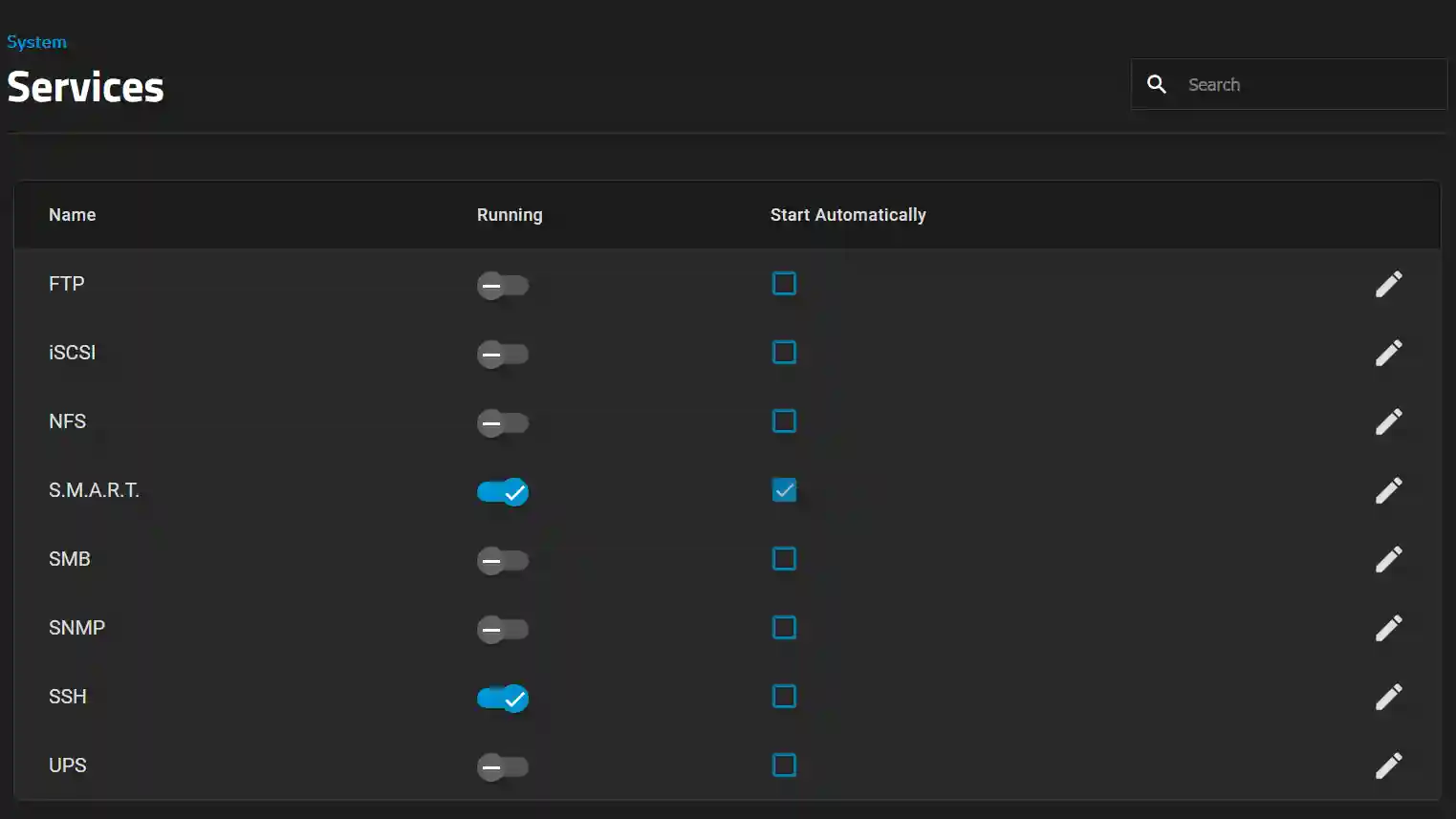
In TrueNAS Scale navigate to System Settings > Services and enable SSH.
3. Configure users to use SSH with key-based authorization
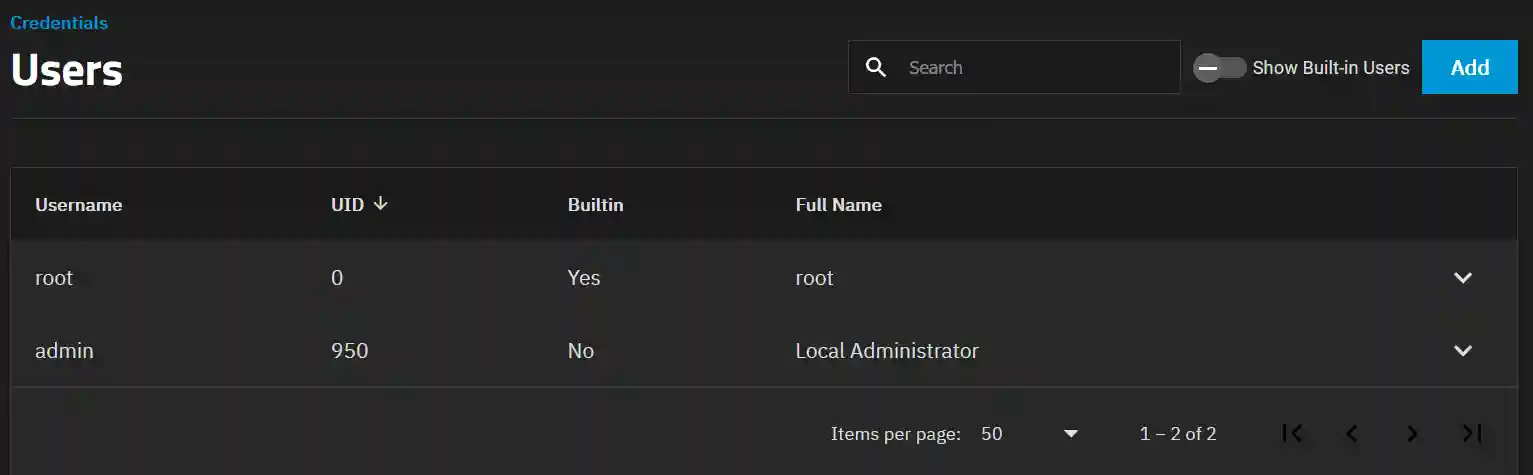
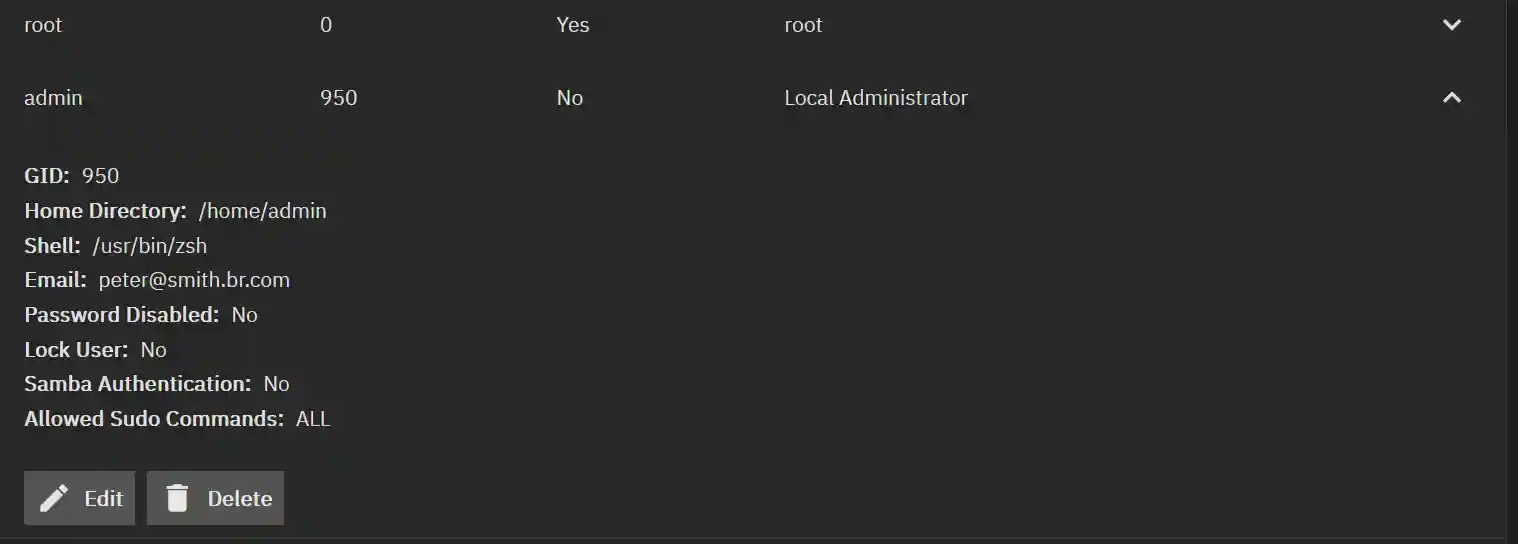
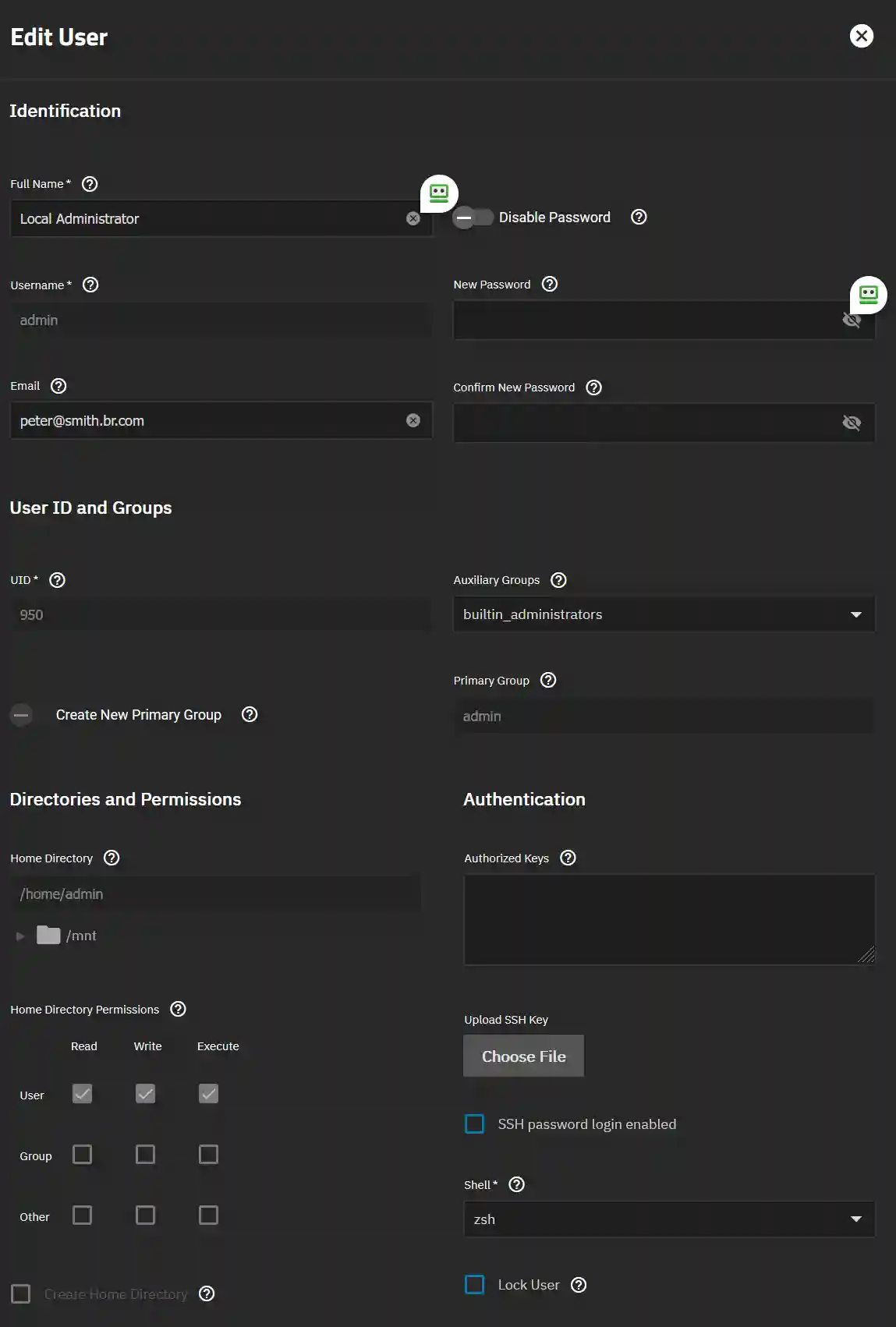
In TrueNAS Scale navigate to Credentials > Local Users and click the dropdown next to the admin user. Then select Edit.
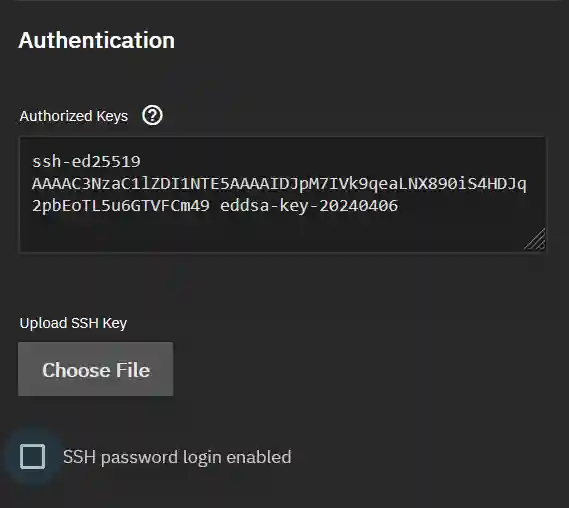
You can now paste the public key you generated here into the Authorized Keys box.
4. Testing the keys
Once you have installed the public key click Save. Now test the installation as shown here.
5. Securing the user account
Finally go back to the user (Credentials > Local Users > admin, and check that SSH password login enabled is not checked.